 By Editorial Team
Many businesses investing in Paid Per Click (PPC) advertising campaigns overlook a critical element that directly influences conversion rates: microcopy. This seemingly minor textual detail, encompassing everything from button labels to error messages, often dictates whether a user completes a desired action or abandons the page entirely. The problem isn’t a lack of traffic. It’s that expensive clicks aren’t translating into meaningful engagements or sales, leaving significant revenue on the table. How can small words have such a disproportionate impact?
Key Takeaways
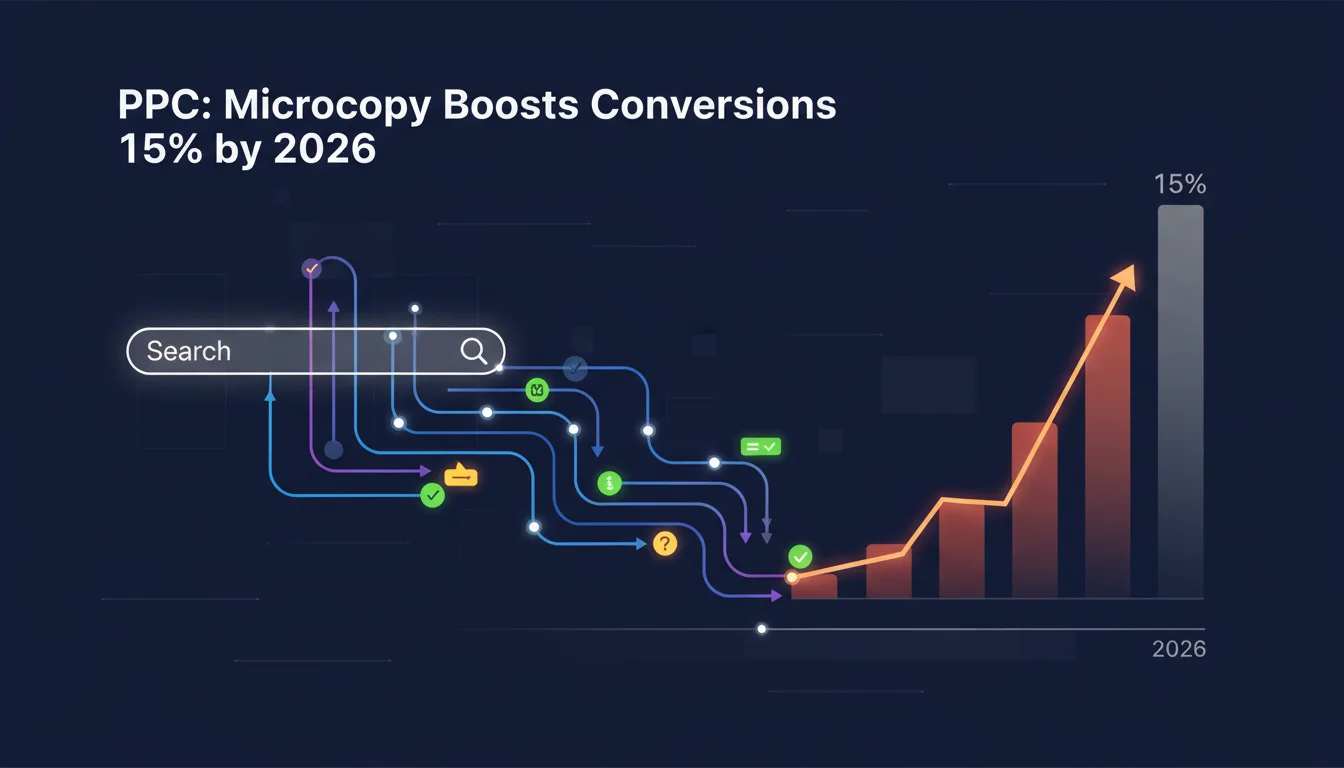
- Implement A/B testing for microcopy variations on high-traffic PPC landing pages to identify phrases that boost conversion rates by at least 15%.
- Focus on clarity and immediate value in call-to-action (CTA) buttons, moving beyond generic terms like “Submit” to specific benefit-driven language.
- Address potential user anxieties directly within form fields and error messages, providing reassurance and clear guidance to reduce abandonment.
- Align microcopy with the user’s stage in the conversion funnel, ensuring consistency from the initial ad click through to the final confirmation.
- Conduct regular audits of all microcopy across PPC campaign elements, including ad extensions and landing page elements, to maintain relevance and impact.
The Hidden Cost of Generic Language in PPC
For years, marketers have poured resources into keyword research, bidding strategies, and compelling ad creatives, only to see conversion rates plateau. The underlying issue often lies in the overlooked spaces, the tiny snippets of text that guide user interactions. I’ve witnessed countless campaigns where ad copy was exceptional, driving qualified traffic, but landing page performance lagged. The primary culprit? Weak, generic, or confusing microcopy. Think about a typical Google Ads campaign: an ad promises a solution, the user clicks, and then they land on a page with a button that simply says “Click Here.” This disconnect creates friction. Users arrive with a specific intent, and if the next step isn’t immediately clear, reassuring, and aligned with their expectation, they bounce.
What Went Wrong First: The “Set It and Forget It” Approach
The initial mistake many businesses make is treating microcopy as an afterthought. It’s often the last thing considered, or worse, left to a developer or designer who prioritizes functionality over persuasive language. I recall a client in the SaaS sector whose sign-up form had “Submit” as the primary call-to-action button. Their conversion rate hovered around 3%. We suggested changing it to “Start Your Free Trial Now” and adding a small line of text below it, “No credit card required.” Overnight, the conversion rate jumped to 5.5%. That’s a 2.5 percentage point increase directly attributable to a few words. The “Submit” button, while functional, lacked any motivational power or clarity about what would happen next. It’s a classic example of how a failure to consider the user’s mindset at each interaction point can torpedo an otherwise well-executed PPC strategy. Another common oversight is neglecting error messages. A user inputs incorrect data, and the system responds with “Invalid Entry.” This is unhelpful. It doesn’t explain what was invalid or how to fix it. This approach frustrates users and drives them away, particularly when they’ve just clicked on a paid ad and expect a smooth experience.
The Solution: Strategic Microcopy for Enhanced Conversions
The path to higher PPC conversion rates involves a deliberate, user-centric approach to microcopy. This isn’t about lengthy sales pitches. It’s about precision and empathy in short bursts of text. Effective UX writing understands user psychology at each touchpoint.
Step 1: Audit Your Current Microcopy Field
Begin by mapping the user journey from your PPC ad click to the final conversion. Identify every piece of microcopy a user encounters: ad extensions, landing page headlines, subheadings, form field labels, placeholder text, button copy, error messages, success messages, and even navigation labels. For each piece, ask:
- Is it clear what action the user should take?
- Does it provide immediate value or reassurance?
- Does it align with the promise made in the ad?
- Does it anticipate and address potential user anxieties?
For example, if your ad promises “Get a Free Quote,” your landing page’s primary CTA should mirror that: “Get My Free Quote” or “Request Your Free Quote.” Discrepancies create friction. A Statista report on global digital ad spending highlights the immense investment in PPC, underscoring the need to maximize every dollar. Generic copy squanders this investment.
Step 2: Craft Compelling Call-to-Action (CTA) Language
Your CTA buttons are arguably the most critical pieces of microcopy. Move beyond generic terms. Instead of “Download,” try “Download Your Free Guide Now.” Instead of “Learn More,” consider “See How We Can Help You.” The key is to make the benefit explicit and the action immediate. A study by HubSpot consistently demonstrates that personalized or benefit-driven CTAs outperform generic ones by significant margins. Test variations that focus on:
- Urgency: “Claim Your Discount Today”
- Benefit: “Get Instant Access”
- Specificity: “Book My Consultation”
- Exclusivity: “Unlock Member Benefits”
Remember that the context matters. A CTA on an initial lead magnet download page will differ from one on a final purchase confirmation page. The language should reflect the user’s commitment level and the value proposition at that specific stage.
Step 3: Optimize Form Field Labels and Placeholder Text
Forms are notorious conversion killers. Poorly designed forms, combined with unclear microcopy, lead to high abandonment rates. Each field label needs to be concise and unambiguous. Placeholder text isn’t just for decoration. It can provide examples (“e.g., john.doe@example.com”) or additional guidance. Consider adding small, reassuring text below sensitive fields. For instance, below an email field, you might add, “We’ll only send relevant updates, no spam.” Or, below a phone number field, “We’ll never share your number.” This proactive approach addresses privacy concerns before they become abandonment triggers. I’ve seen forms with a “Password” field, and users are left guessing the requirements. Adding “Minimum 8 characters, one uppercase, one number” as microcopy below the field drastically reduces errors and frustration.
Step 4: Write Empathetic Error Messages and Success Notifications
Error messages are often where businesses fail most spectacularly. Instead of “Error 404,” which tells the user nothing actionable, aim for “Page Not Found. It looks like the page you’re looking for doesn’t exist. Try searching or returning to our homepage.” For form errors, be specific: “Please enter a valid email address” instead of “Invalid Input.” And for success messages, don’t just say “Submitted.” Say “Thank You! Your request has been received. We’ll be in touch within 24 hours.” This confirms the action, sets expectations, and provides closure. According to Nielsen’s research on UX and customer loyalty, clear communication at every stage builds trust, which is invaluable for repeat business and referrals.
Step 5: A/B Testing and Iteration
Microcopy optimization is not a one-time task. It requires continuous testing and refinement. Use tools like Google Optimize or other A/B testing platforms to test different versions of your microcopy. Even minor changes, like altering a button color or the wording of a single phrase, can significantly impact conversion rates. Test CTAs, form field instructions, and error messages. Track metrics such as click-through rates, form completion rates, and bounce rates. I once ran a test for an e-commerce client where changing “Add to Cart” to “Add to My Bag” on product pages resulted in a 7% increase in add-to-cart clicks. It sounds trivial, but that small shift in personalization resonated with their target audience.
The Measurable Results of Intentional Microcopy
The impact of well-crafted microcopy extends far beyond aesthetic appeal. Businesses that prioritize their UX writing see tangible improvements in their PPC campaign performance. One e-learning platform I worked with, after implementing specific, benefit-driven CTAs and reassuring microcopy on their course enrollment forms, saw their lead-to-enrollment conversion rate increase by 18% over a six-month period. This wasn’t due to changes in ad spend or targeting. It was purely the result of making the user experience smoother and more transparent through language.
Another example involves a B2B software company. Their ad campaigns were bringing in qualified leads, but their demo request form had a high abandonment rate. After reviewing the microcopy, we identified several points of friction. The original form had a generic “Submit” button and no clear indication of what happened after submission. We changed the button to “Schedule My Free Demo” and added a line below it: “A specialist will contact you within 1 business day to confirm.” Also, we clarified confusing field labels. The result was a 25% reduction in form abandonment and a significant uptick in completed demo requests. The cost to implement these changes was minimal, primarily the time spent on thoughtful copywriting and A/B testing. The return on investment, however, was substantial, directly impacting their sales pipeline and revenue.
The power of microcopy lies in its ability to build trust, reduce friction, and guide users effortlessly towards conversion. It’s about respecting the user’s time and intelligence, providing just enough information at the right moment to make their journey smooth. Ignoring these small words is akin to leaving money on the table. Investing in them yields measurable, positive results.
What is microcopy in the context of PPC?
Microcopy in PPC refers to the small, instructional, or guiding text elements users encounter during their journey from clicking an ad to completing a conversion. This includes button labels, form field instructions, error messages, placeholder text, and brief calls-to-action on landing pages.
Why is microcopy important for PPC campaigns?
Microcopy is important for PPC campaigns because it directly influences user behavior and conversion rates. Clear, concise, and persuasive microcopy reduces friction, builds trust, clarifies expectations, and guides users through the conversion funnel, in the end maximizing the return on ad spend.
How can I improve my call-to-action (CTA) microcopy?
To improve CTA microcopy, focus on making it specific, benefit-driven, and aligned with the user’s intent. Instead of generic terms like “Submit,” use action-oriented phrases such as “Get Your Free Ebook,” “Start My 14-Day Trial,” or “Book a Consultation.” Always test different variations to see what resonates best with your audience.
What role does UX writing play in microcopy optimization?
UX writing is the practice of crafting all the text within a user interface to guide users and help them achieve their goals. For microcopy, UX writing ensures that every word is user-centric, clear, concise, and empathetic, anticipating user needs and addressing potential pain points before they arise.
How often should I review and test my microcopy?
Microcopy should be reviewed and tested regularly, ideally as part of your ongoing conversion rate optimization (CRO) efforts. Implement A/B tests for key microcopy elements on an ongoing basis, especially for high-traffic pages or after significant changes to your PPC campaigns or product offerings, to ensure continued effectiveness.


