 By Editorial Team
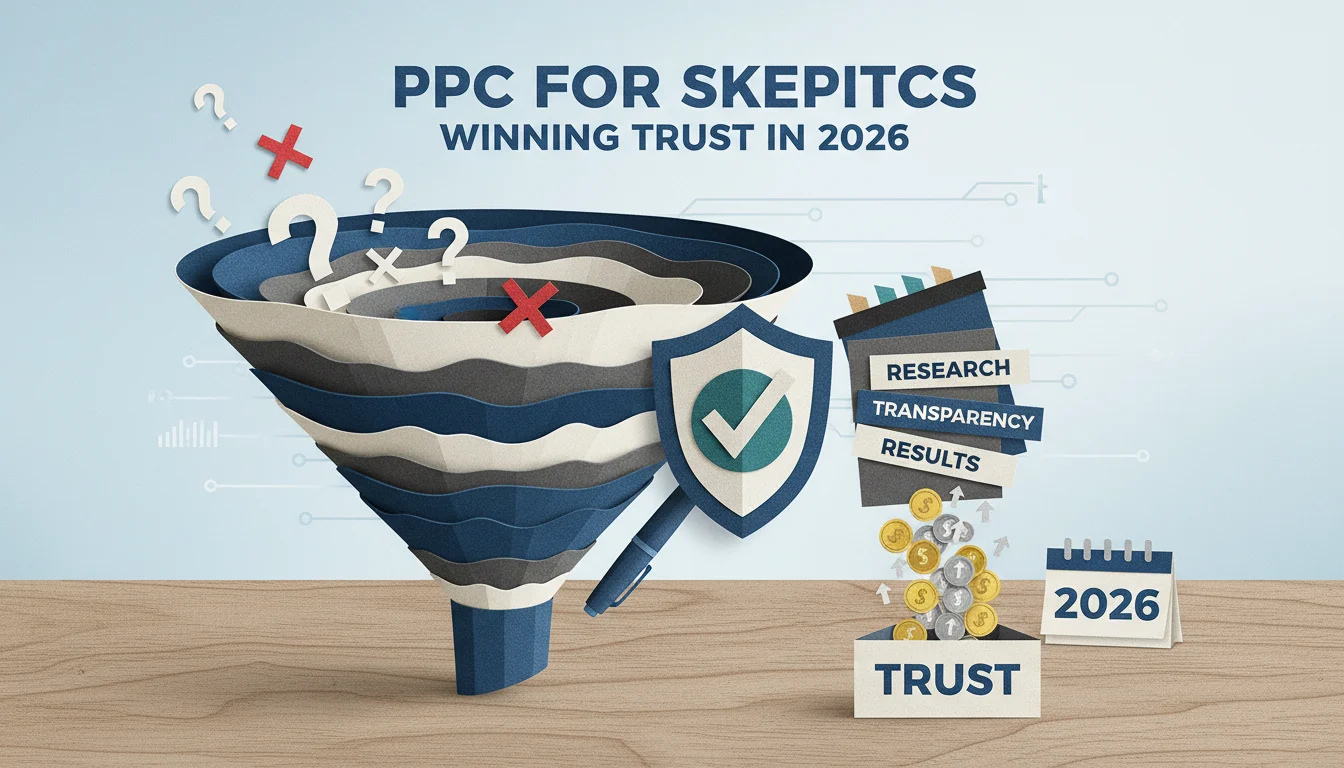
By 2026, the average person is justifiably wary of new tech, thanks to a constant barrage of news about data breaches, privacy debacles, and overhyped claims. This deep consumer skepticism is a huge headache for tech marketers, but it also creates a clear path to win by building actual trust with honest, targeted communication. So how can we use paid per click (PPC) to cut through all that noise, address real tech concerns, and turn these doubters into actual customers?
Key Takeaways
- Build out dedicated negative keyword lists to screen out searches driven by skepticism which can cut wasted ad spend by up to 15%.
- Write ad copy that hits common tech fears like data privacy head-on, using specific features and verifiable third-party certifications.
- Use remarketing lists for search ads (RLSAs) to show trust-building content to people who checked out your site but bailed before converting.
- A/B test every trust signal on your landing pages, from testimonials to security badges, to find out what actually works with a skeptical audience.
- Keep a close eye on post-click metrics like time on page and bounce rate to see if your strategy for overcoming their apprehension is working, and adjust if it’s not.
1. Conduct Deep Dive Keyword Research for Skepticism Signals
To get PPC right, you first have to know the exact words people use when they’re feeling doubtful. It’s time to dig into the specific phrases that signal their tech concerns. Go way beyond your standard product and solution keywords and fire up tools like Google Ads Keyword Planner, Semrush, or Ahrefs to find these more subtle searches.
You’re hunting for modifiers like “is X safe,” “X privacy issues,” “X scam,” “X reviews negative,” “X data breach,” or “is X reliable.” For example, if you’re pushing a new AI financial planning app, you’ll see people searching for things like “AI finance app security” or “are AI investment tools trustworthy.” You need to collect and categorize all these phrases because this research gives you a map of user apprehension, which is far more valuable than just another list of keywords to bid on.
Pro Tip: Check your own site’s search logs. The questions people ask directly on your platform are often the most raw and unfiltered signal of what they’re really worried about.
2. Craft Ad Copy That Directly Addresses Concerns
With this research in hand, your ad copy has to meet that skepticism directly. Vague promises of “security” or “reliability” are useless. The text must be specific and genuinely reassuring. For instance, “Secure Cloud Storage” is weak. Try something like “End-to-End Encrypted Cloud Storage: Your Data, Your Control.” That hits the big concerns about data ownership and privacy directly.
I use Google Ads’ Responsive Search Ads to test a bunch of different headlines and descriptions, each hitting a different angle of their apprehension. You have to include specifics like “256-bit AES encryption” or “GDPR compliant” (and “HIPAA certified” if it applies). Then, lean on ad extensions for more trust signals. A callout could highlight “24/7 Live Support,” while a structured snippet can list out the goods: “Security Features: Data Encryption, Two-Factor Auth, Regular Audits.”
Common Mistake: Overpromising or falling back on buzzwords. Skeptical users have a finely tuned BS-detector for marketing fluff. Be precise, be honest, and back up everything you say with facts they can actually verify.
3. Build Dedicated Landing Pages for Skeptical Audiences
Getting the click is only step one. The landing page is where the real work of building trust and knocking down objections happens. When a search query screams skepticism, you can’t just send them to your generic product page. You need to route that traffic to a dedicated landing page built specifically as a trust-building hub to disarm those fears.
This page must include sections that explicitly address their tech concerns. Have a “Security & Privacy” section that details your protocols, and then link out to a “Transparency Report” or a third-party audit. Prominent customer testimonials are non-negotiable. Visuals are also huge here, display security badges from places like ISO 27001 or for SOC 2 Type II compliance, show off any data protection awards, and make your support contact info impossible to miss. A short explainer video that makes your security features easy to understand can also work wonders.
Pro Tip: You have to A/B test everything on these landing pages. Does a big FAQ section actually lower bounce rates more than a detailed security whitepaper? Do customer reviews placed above the fold really lead to more conversions? Use tools like Optimizely or the testing features in Google Analytics 4 (which replaced Google Optimize) for this constant cycle of testing. And don’t stop testing after you launch, because what users worry about is always changing.
4. Implement Negative Keywords Strategically
It’s a balancing act. We need to address skepticism, but we can’t afford to waste money on people who are just looking for a fight or are actively digging up dirt on competitors. This is where strong negative keyword lists come in. For example, if you’re selling a new wearable health tracker, you’d want to add negatives like “health tracker recall,” “wearable data hack,” and the names of competitors you aren’t actively targeting.
I live in my search term reports in Google Ads. It’s the best place to find those weird queries that tell you a user is a terrible fit for your product. If you see searches like “free [your product type] no signup” and you run a subscription service, those terms, “free” and “no signup”, go straight onto the negative list. This kind of active management funnels your budget toward users who might actually be convinced, not tire-kickers who’ve already decided against you.
In my experience, a well-tended negative keyword list can cut out 10% to 15% of irrelevant clicks in the first month alone, which makes a huge difference in campaign efficiency.
5. Use Remarketing for Trust Building
Most people aren’t going to convert on the first visit, especially the skeptical ones. Remarketing is your best tool for reaching users who showed some interest but got cold feet, maybe they spent five minutes on your security page or read a blog post on data privacy. You can build very specific remarketing audiences for these people right in Google Analytics 4 based on exactly what they did on your site.
Then you hit these audiences with PPC ads designed to reinforce your trust message. If someone visited your “Data Security” page and left, the next ad they see should feature that new third-party security audit or a killer testimonial about your privacy features. And with Remarketing Lists for Search Ads (RLSAs), you can bid more aggressively or serve entirely different, more reassuring ad copy the next time they search, giving them that final nudge they need.
Pro Tip: You absolutely must segment your remarketing audiences. A user who spent five minutes staring at your pricing page needs a totally different message than someone who bounced from your homepage in ten seconds. The trust-building message has to be tailored to their specific behavior and where they dropped off.
6. Monitor and Adapt Based on Post-Click Engagement
The click is not the finish line. Post-click analysis is where you figure out if any of this is actually working. You have to watch metrics like time on page and scroll depth, along with the bounce rate and, of course, the conversion rates on these special landing pages. If you have a high bounce rate on a page built to address privacy, it’s a dead giveaway that your message is off or the page design is failing them.
Tools like Hotjar or FullStory are perfect for this, letting you see heatmaps and watch actual session recordings. You can see where people get stuck, what they ignore, and what they try to click on that isn’t a link. This qualitative feedback is gold for making real-world improvements. For example, if you see a dozen people trying to click a security badge that doesn’t link anywhere, you know exactly what to fix.
Consumer trust in technology is a moving target. What works to reassure users today could be totally useless tomorrow. Constant monitoring and adaptation aren’t optional. They’re just part of the job of staying credible.
Tackling consumer skepticism with PPC is an ongoing strategic commitment, not a quick fix. When you truly get a grip on user concerns, build specific ads and landing pages to match, and then optimize relentlessly based on performance data, you can turn their doubt into genuine trust and drive real conversions for your tech product. If you want to dig deeper into how AI is changing the ad game, check out our piece on Meta AI Edits: PPC Compliance in 2026. It also helps to get context from PPC Transparency: 68% Feel Misled in 2025 to understand the trust deficit we’re all facing. And to stay ahead of measurement changes, the 2026 Nielsen AI Report: PPC Measurement Gap Exposed is required reading.
How can I identify specific tech concerns my target audience has?
Start with deep keyword research in tools like Google Ads Keyword Planner, Semrush, or Ahrefs, looking for queries that include “safe,” “privacy,” “scam,” and other doubt-based modifiers. Don’t forget to mine your own site search logs and customer support tickets, they provide the most direct feedback on what’s making users anxious.
What elements should a trust-building landing page include for skeptical users?
A solid trust-building landing page needs a dedicated “Security & Privacy” section detailing your protocols, verifiable links to third-party audits (like an ISO 27001 certificate), real customer testimonials, and security badges from known organizations. You also need to make contact info obvious and maybe even add a short video that explains complex security features in simple terms.
How often should I update my negative keyword lists for PPC campaigns?
You should be in your search term reports and updating negative keywords weekly, at a minimum. For brand new campaigns or during a big push, you might even need to do it daily to stop wasting money and keep your targeting sharp.
Can remarketing help address consumer skepticism?
Yes, remarketing is one of the best ways to do it. You can build audience segments based on specific behaviors (like people who read your security page) and then serve them hyper-relevant ads that directly address their likely concerns with new proof points, like testimonials or audit results.
What post-click metrics are most important for evaluating trust-building efforts?
The most important metrics are time on page, scroll depth, bounce rate, and conversion rates, all viewed specifically for your trust-focused landing pages. To get the full picture, pair that quantitative data with qualitative insights from heatmaps and session recordings to see *why* users are behaving the way they are.


