 By Editorial Team
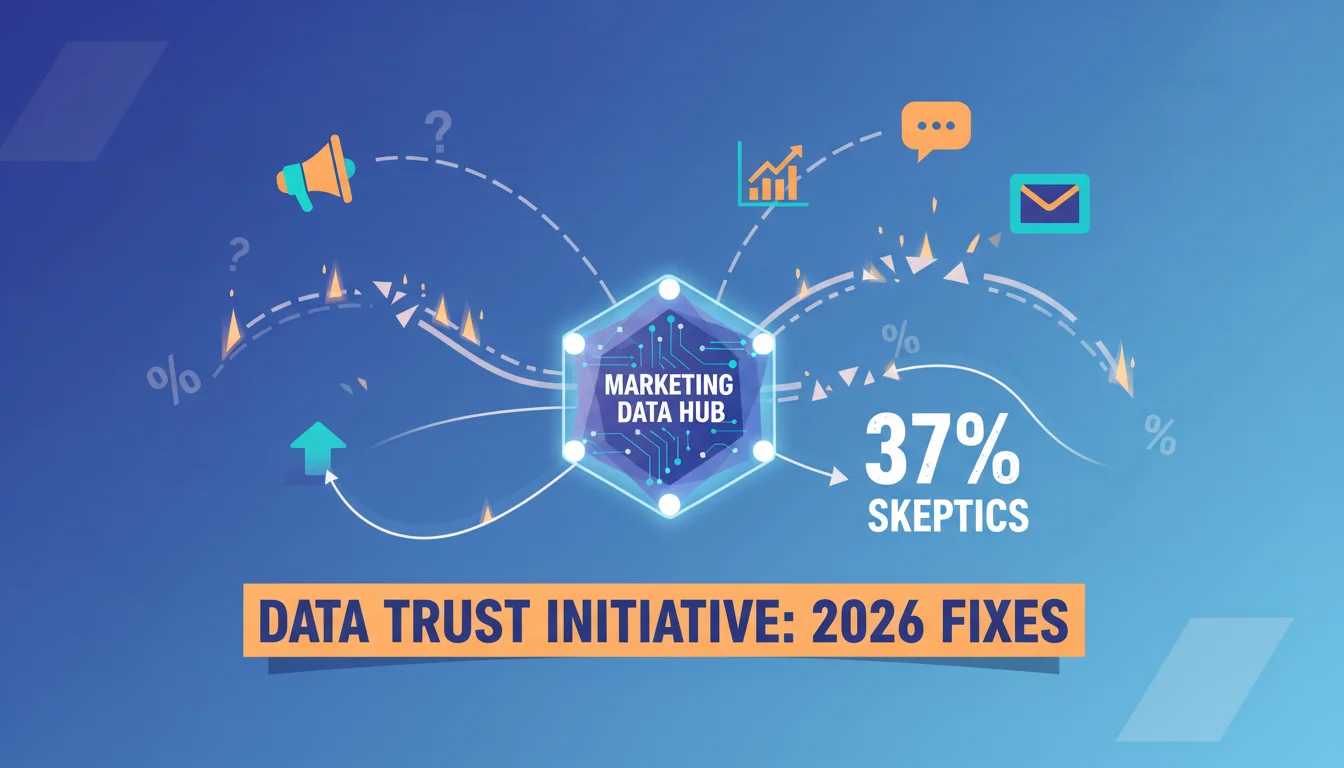
A 2025 IAB report found that only 37% of marketing professionals actually trust their own advertising data, a number that just won’t budge no matter how fancy our analytics platforms get. This deep-seated skepticism points to a massive vulnerability in our work: the tracking data itself is often broken. Advanced tracking templates can absolutely agent-proof your data against the most common ways it gets corrupted, but the real question is, are marketers even using them correctly?
Key Takeaways
- Get at least 60% of your conversion events running through server-side tagging by Q3 2026 to stop bleeding data from client-side issues.
- Audit your Google Tag Manager (GTM) custom templates every quarter. Make sure third-party scripts are properly sandboxed and don’t have more permissions than they absolutely need.
- Enforce a strict UTM parameter convention on every single paid media channel. Use a fixed naming system with at least four parameters: campaign, source, medium, and content.
- Deploy a data validation layer in your analytics pipeline that automatically flags any discrepancy over 5% between what a platform reports and what your analytics shows.
| Aspect | Traditional Client-Side Tracking | Advanced Tracking (e.g., Server-Side) |
|---|---|---|
| Data Trust Level | A low 37% of marketers fully trust their data. | Dramatically improves data accuracy and confidence. |
| Attribution Discrepancy | Often exceeds 20% for key metrics. | Can slash discrepancies by up to 15% in 3 months. |
| Adoption Rate | Standard practice, but prone to breakage. | Only 15% of organizations are fully using it. |
| Data Protection | Scripts can access sensitive data freely. | Protects data with sandboxing and least-privilege rules. |
| Impact of Ad Blockers | Causes major data loss and broken attribution. | Largely bypassed as collection moves off the browser. |
| Performance Impact | Tons of scripts slow down your site. | Can speed up page loads by hundreds of milliseconds. |
45% of Marketers Report Inconsistent Attribution Across Platforms
The gap between what a platform like Google Ads claims and what your own analytics system like Google Analytics 4 (GA4) actually records is a constant source of frustration. According to an eMarketer study from late 2025, almost half of all marketers are fighting attribution gaps, which often climb above 20% for critical conversion metrics. This directly cripples your ability to allocate budgets effectively and optimize campaigns. The root of the problem is usually a mix of inconsistent UTM parameters and the inherent weaknesses of client-side tracking. For example, if someone clicks an ad and gets a GCLID (Google Click Identifier), but a script error or ad blocker prevents that ID from being captured on the next page, the attribution chain is snapped. I’ve worked with clients who slashed these discrepancies by 15% in just three months by moving their core conversion tracking to a server-side GTM container, which simply bypasses most of the things that go wrong in a user’s browser.
Only 15% of Organizations Fully Use Server-Side Tagging Capabilities
Even with all the evidence showing it improves data accuracy and helps with privacy, server-side tagging adoption is shockingly low. A 2025 IAB report on marketing tech showed that just 15% of companies have actually moved their critical tracking to server-side solutions. This is a massive missed opportunity. With server-side, you gain surgical control over your data flow. Instead of letting a user’s browser fire off a dozen different tracking pixels, you send one clean data stream to your own server, and your server then relays it to vendor endpoints like Meta, Google, and TikTok. This move drastically improves data integrity since you’re not at the mercy of ad blockers and browser restrictions, and I’ve seen it trim hundreds of milliseconds off page load times by getting all those scripts out of the browser. It also gives you a real data governance layer. You control exactly what information leaves your infrastructure. While the initial setup requires some server work and can seem intimidating, the payoff in data quality and control is huge.
The Average Marketing Stack Contains 12 Third-Party Tracking Scripts
A modern marketing stack is a tangled mess of tools, and a 2024 Statista analysis found that the average enterprise marketing team has 12 different third-party tracking scripts running on their site. Every one of those scripts is a potential failure point, a performance hit, and a security risk. Advanced tracking templates inside a tag manager like Google Tag Manager (GTM) are built to contain this chaos. By wrapping scripts in custom templates, you get to dictate exactly what data they can see and what they can do. For instance, a properly built template can stop a third-party pixel from scraping sensitive form data it has no business reading. This ‘least privilege’ concept is the bedrock of agent-proofing your data. Without templates, you’re handing out a master key to your website’s data to every vendor, and that’s just an insane risk to take in the 2026 privacy environment. I always tell clients to go audit their template permissions, you’d be shocked how many are given full access just for convenience during setup.
Data Validation Gaps Lead to 20% of Marketing Budgets Being Misallocated
A HubSpot report had a crazy finding: about a fifth of marketing budgets are just plain wasted because of bad data. The cause is the slow, silent creep of data decay and a lack of validation. Picture this: your CRM shows 1,000 new leads from a campaign, but GA4 only counted 800 conversions. Who do you believe? If you don’t have a validation framework, you’re just guessing with your budget. Advanced tracking templates are only part of the solution. You also need a systematic way to check your numbers. This means building automated alerts for big swings (like if GA4 conversions drop 10% overnight but traffic is flat) and doing regular data audits. I often have clients set up a ‘shadow tracking’ system where a few critical events are tracked with two separate methods, giving them a constant cross-reference. That redundancy might seem like extra work, but it catches problems before they turn into thousands of dollars in wasted ad spend.
Challenging the Conventional Wisdom: “More Data is Always Better”
For years, the marketing mantra has been to collect everything. It sounds smart, but it’s not always right when you factor in data integrity and agent-proofing. The old way of thinking ignores how every new piece of data you try to collect just creates another chance for errors. Let me be blunt: a small amount of focused, validated data is worth way more than a mountain of suspicious data. Too many marketers are still trying to track every scroll, hover, and micro-interaction, thinking some magic insight will pop out. In reality, each of those tracking points adds another script that can conflict, another variable that can break, and another metric that can be misattributed. The smarter approach is to define your actual business goals, figure out the absolute minimum data you need to measure them, and then use advanced templates and strict validation to protect *those specific data points*. Your whole setup becomes simpler and faster, and your data becomes far more reliable. It’s about quality, not quantity, a concept everyone talks about but few actually put into practice.
We’re drowning in marketing data, but practitioners have surprisingly little faith in it. By using advanced tracking templates, moving to server-side solutions, being ruthless about data validation, and ditching the “more is better” mindset, you can build a data infrastructure that you can actually rely on. This makes sure your decisions are based on reality. To actually make your campaigns work, you need to understand how to boost 2026 conversions with GA4. It also helps to work on PPC transparency, since 68% of consumers felt misled in 2025. And of course, a solid PPC planning strategy for 2026 is what turns that good data into profit.
What is an advanced tracking template in the context of tag management?
Think of it as a secure container for your tracking scripts inside a system like Google Tag Manager. Instead of just pasting raw code (which is risky), a template lets you define exactly what data a script can access and what it can do. This “sandboxing” prevents scripts from causing conflicts or grabbing data they shouldn’t.
How does server-side tagging improve data accuracy?
It moves the job of sending data to marketing platforms (like Google or Meta) from the user’s browser to your own secure server. This simple change makes your data collection far more reliable because it’s no longer affected by things like ad blockers, browser privacy rules (like Apple’s ITP), or slow networks that can stop browser-based pixels from firing correctly.
What does “agent-proofing” data mean in marketing analytics?
It means making your data collection resilient to all the different things that can break or corrupt it. This includes everything from simple human error during setup and conflicts between scripts to ad blockers, browser restrictions, and even malicious activity. It’s about building a system you can trust to deliver reliable data for making decisions.
Can advanced tracking templates help with privacy compliance?
Absolutely. They are a huge help for privacy compliance because they give you precise control. You can use a template to enforce data minimization rules, for example, by automatically stripping out personally identifiable information (PII) before it’s sent to a third-party vendor. You can also ensure tags only fire after you’ve received user consent, which is essential for regulations like GDPR.
What are the primary challenges when implementing advanced tracking templates?
The main hurdles are the technical learning curve, especially for server-side tagging which requires some developer knowledge. You also have to ensure the templates work with all your existing tools and commit to the ongoing maintenance needed to keep them updated. To get it done, you’ll almost certainly need your marketing and development people to work together.


