 By Editorial Team
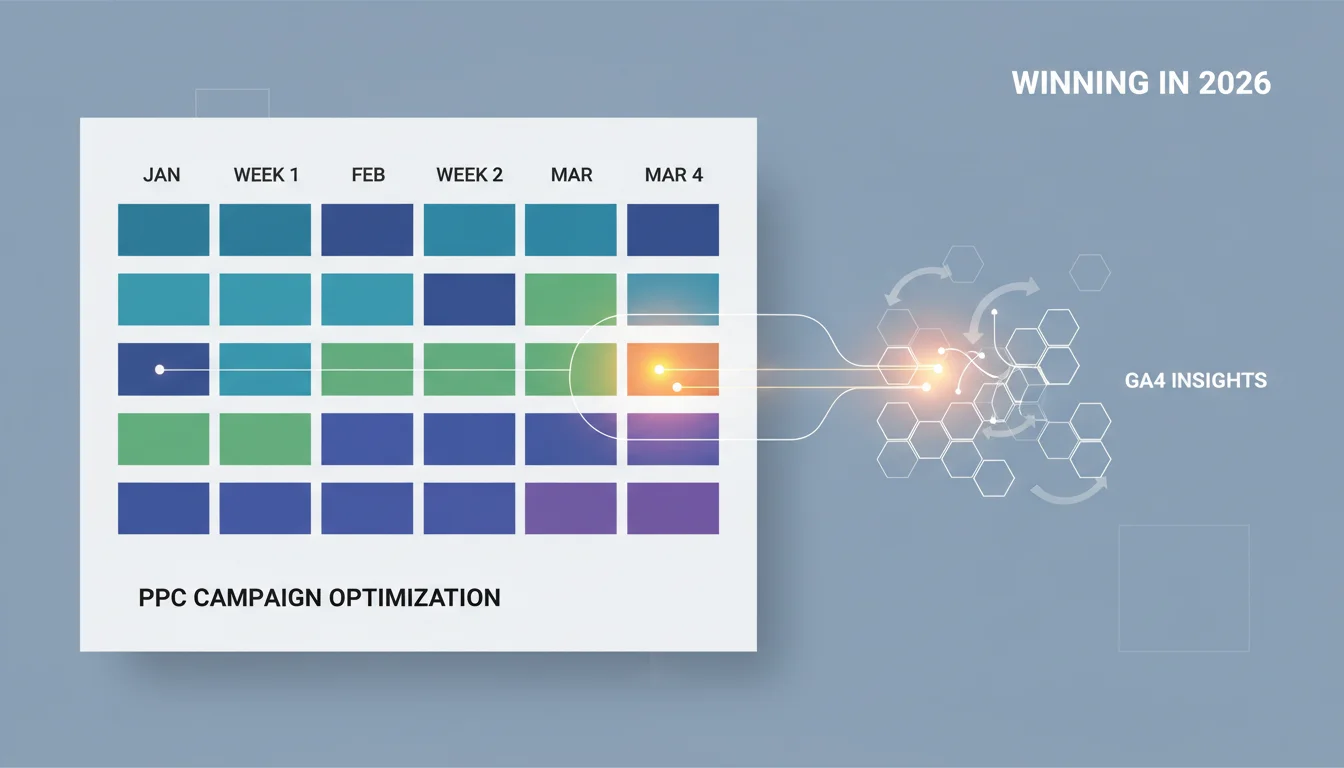
If you want your campaigns to succeed in 2026, you can’t just wing it. A solid PPC content calendar is mandatory. When you build your content strategy on data, you can get ahead of what your audience wants, match your message to what they’re actually searching for, and see higher conversion rates across your paid channels. So the real question is, how do you build a calendar that can actually keep up with real-time performance and market changes?
Key Takeaways
- Pipe your GA4 audience segments directly into your Google Ads and Meta Ads planning interfaces so you can spot high-value customer journeys.
- Mine the “Recommendations” tab in Google Ads for its predictive analytics to forecast keyword performance and find content gaps for the next 90 days.
- Set up custom alerts in platforms like Semrush or Ahrefs to get pinged about competitor keyword shifts and trending topics in your niche, automating your idea generation.
- Put A/B tests for ad copy and landing pages on the calendar at least once a quarter, and make sure every test starts with a clear hypothesis from your last round of campaign data.
Step 1: Unearthing Audience Insights with GA4 and CRM Data
You can’t have an effective data-driven content strategy without first digging into who your audience actually is. And in 2026, that means going way past simple demographics. We’re talking about tracking behavioral patterns and what users are predicted to do next which is stuff you can now get right out of platforms like Google Analytics 4 (GA4) and any modern CRM.
1.1 Configure GA4 Audience Segments for Paid Channels
Go into your GA4 property and head to Admin > Audiences > New Audience. Forget generic segments. You need to create hyper-specific ones that actually mean something, like purchasing intent or engagement level. For example, build an audience of “Users who viewed 3+ product pages but did not purchase in the last 7 days” or “Users who initiated checkout but abandoned the cart.” Then, export these audiences straight into your Google Ads and Meta Ads accounts. This direct link-up is everything. It lets you see exactly what content is working with these high-intent groups, giving you the foundation for your PPC content calendar.
Pro Tip: Go check this right now: make sure your GA4 data retention is set to the maximum (14 months) under Admin > Data Settings > Data Retention. So many people forget this and it cripples their ability to do year-over-year analysis when planning seasonal campaigns.
Common Mistake: Just using the default GA4 reports. They’re fine for a quick look, but they don’t have the detail you need for a truly data-driven content plan. The real power is in the custom segments you build.
Expected Outcome: You’ll have a clear, segment-by-segment map of user behavior, which tells you what topics and formats are actually going to convert for each specific audience.
1.2 Integrate CRM Data for Customer Journey Mapping
Don’t forget your CRM (Customer Relationship Management) system. It’s full of first-party data that GA4 can’t see on its own. If you can, link your CRM directly to GA4 and your ad platforms. If you can’t get a direct integration to work, just export the customer journey data, focusing on every touchpoint and content interaction that leads to a conversion. Look for patterns in what your best customers consumed at different stages of their buying process. Sifting through this data often uncovers killer content ideas you would’ve missed, like a specific guide or a comparison article that’s quietly pushing people to buy. A B2B SaaS company, for example, could discover that prospects who download their “ROI Calculator” PDF (something tracked in the CRM) are way more likely to convert in the next 30 days which is a screaming signal to build more high-value, middle-of-funnel content like that for their PPC campaigns.
Expected Outcome: You’ll see the entire customer journey more clearly, letting you spot the content gaps and opportunities at every step, from the first click to what happens after the sale.
Step 2: Using Predictive Analytics for Keyword and Topic Identification
Ad platforms in 2026 have some seriously good predictive tools built right in. They do more than just forecast your spend. They’re now smart enough to suggest content themes and keyword clusters based on emerging search trends and what your competitors are up to. This is how you get proactive with your campaign planning instead of just reacting.
2.1 Use Google Ads’ Predictive Recommendations
Inside your Google Ads account, go to the Recommendations tab. Google’s predictive models have gotten a lot better. Look for sections like “Forecasted Keyword Opportunities” or “Trending Search Themes,” which often come with a projected impression share and conversion lift. The platform is analyzing search demand, competitor moves, and your own history to suggest keywords and the content themes behind them. For example, if “sustainable packaging solutions” is predicted to see a 30% surge in search volume next quarter, that’s a direct signal that you need to develop a content piece or landing page around that topic right now.
Pro Tip: Filter these recommendations by “Conversion Value.” Don’t chase every trending keyword. That’s a rookie mistake. Focus on the ones that are likely to actually make you money.
Common Mistake: Ignoring these recommendations completely. They’re powered by Google’s massive datasets and machine learning, so they often spot things that your manual keyword research will miss.
Expected Outcome: You’ll get a prioritized list of keywords and content themes, complete with performance projections, that you can plug directly into your ad group and landing page development for the PPC content calendar.
2.2 Monitor Competitor Content Strategy with Advanced Tools
You’ll still need your competitive intelligence tools, like Semrush or Ahrefs. They aren’t optional. By 2026, their features for content gap analysis and predicting trends have gotten much deeper. Use the “Keyword Gap” tool to find paid keywords your competitors are ranking for that you aren’t. Even better, use the “Content Gap” feature to see what topics they’re covering that you’re missing, especially if it’s driving a lot of traffic or conversions for them. Set up automated alerts for new content published by your top 3-5 competitors. The point isn’t to copy them. It’s to understand what the market is asking for so you can find an angle where you can provide something better, more detailed, or just different.
A HubSpot report backs this up, showing that businesses that keep an eye on competitor content strategies get 2x higher lead generation from paid channels. It pays to be vigilant.
Expected Outcome: You’ll have a list of high-performing content types and topics your competitors are winning with, which gives you both inspiration and a strategic road map for your own content.
“AI agents are software programs that plan, decide, and act across multiple steps to complete a goal without waiting for direction at each stage.”
Step 3: Structuring Your PPC Content Calendar with Agile Principles
A static content calendar is a dinosaur. For PPC, your PPC content calendar has to be agile, ready to pivot based on performance data, market shifts, and new opportunities that pop up. Treat it like a living document, not some schedule carved in stone.
3.1 Implement a Quarterly Thematic Planning Cycle
Even though you’ll be making daily or weekly tweaks, you should still plan your core content in quarterly thematic cycles. This structure gives you the space to do deep dives into specific topics, prep for seasonal campaigns, or properly support product launches. For each quarter, pick 2-3 main content themes based on your GA4 audience insights and predictive analytics. For an electronics retailer, Q3’s theme might be “Back-to-School Tech,” which would then break down into specific landing pages for product reviews, buying guides, and comparison articles.
Pro Tip: Actually manage this with a project management tool like Asana or Trello. It’s the only way to keep it sane. Make a board for each quarter, with columns for “Idea Generation,” “Drafting,” “Review,” “Published (PPC Live),” and “Performance Analysis.” Put clear owners and deadlines on every single content piece.
Expected Outcome: A 90-day thematic content roadmap that gives your team direction but still has room for you to make tactical adjustments on the fly.
3.2 Define Content Types and Formats for Each Stage of the Funnel
Obviously, not all content works for all people at all times. Your PPC content calendar needs to break down the specific content types you’ll use for each stage of the funnel, and this should tie directly back to your ad copy and targeting.
- Awareness (Top of Funnel): Think blog posts, infographics, and short videos. You’re just trying to get on their radar. The landing pages for these ads might offer a quick overview or a freebie.
- Consideration (Middle of Funnel): This is where you bring out the e-books, detailed guides, webinars, and comparison charts. You’re solving a specific problem. Your ad copy gets more specific about benefits and what makes you different.
- Decision (Bottom of Funnel): Time for product pages, case studies, testimonials, and pricing comparisons. These are built to convert. The ad copy is sharp and direct, using calls to action like “Buy Now” or “Request a Demo.”
For instance, if you’re targeting the keyword “best CRM for small business,” your awareness content could be a blog post like “5 Signs Your Small Business Needs a CRM.” For consideration, you might offer an e-book comparing different CRMs. And for the decision stage, you’d send them straight to your pricing page or a demo request form.
Expected Outcome: A well-rounded content plan that actually meets users where they are in the funnel, which will definitely improve your conversion rates from paid traffic.
Step 4: Integrating A/B Testing and Performance Analysis
Your PPC content calendar is basically useless without a solid system for testing and analysis. It’s this constant feedback loop that keeps your content sharp and makes sure your campaigns are actually delivering ROI.
4.1 Schedule Regular A/B Tests for Ad Copy and Landing Pages
You have to build A/B tests directly into your content calendar. Planning for tests isn’t something you do later. It’s a core component. For any big content piece or landing page you launch, plan on creating at least two versions of the ad copy and two versions of the landing page itself. Test the important stuff: headlines, calls to action, images, even the layout. Use Google Ads’ “Experiments” feature (under Drafts & Experiments) or Meta Ads’ “A/B Test” option to run the tests properly with clear goals, like improving click-through rate (CTR), conversion rate, or cost per acquisition (CPA).
Pro Tip: Don’t test a million things at once. Pick one variable per test, like the headline, so you know exactly what caused the change in performance. You’d be surprised how much lift you can get from a simple headline test.
Common Mistake: Running tests without a hypothesis. What are you trying to prove? Every test should try to answer a specific question, like, “Will adding a statistic to the headline increase CTR by 15%?”
Expected Outcome: You’ll see steady improvement in your ad copy and landing page performance, which means better engagement and more conversions over time.
4.2 Establish a Monthly Performance Review and Content Refresh Cycle
Set a recurring meeting at the end of each month for a full performance review. No excuses. Dig into your GA4 reports, Google Ads data, and CRM conversions. Find the content that’s killing it, find the content that’s bombing, and look for new trends. This review is what feeds your content refresh strategy for the next month. If a landing page is underperforming, maybe it needs a new headline, a new section answering common questions, or updated stats. If a piece of content is doing great, how can you double down? Can you expand on it, create related pieces, or turn a successful blog post into an infographic? This cycle of reviewing and refreshing is what makes a data-driven content strategy so effective.
According to IAB reports, marketers who do this regularly see about 20% higher organic visibility and a 15% bump in conversion rates on paid channels.
Expected Outcome: A truly dynamic PPC content calendar that changes with the market and your audience, making sure your paid campaigns are always running the most effective content you’ve got.
Look, building a data-driven PPC content calendar is a constant process. You have to stay committed to understanding your audience and reacting quickly to what the market is telling you. When you combine advanced analytics, good competitor intel, and a structured plan for testing, your paid campaigns will consistently get the job done.
How often should I update my PPC content calendar?
Plan your big themes quarterly. But you should be in there making content updates and ad copy tweaks every month based on what the performance data is telling you. The calendar is a living doc that needs continuous refinement.
What’s the single most important data point for my PPC content calendar?
Conversion data. Specifically, conversion rate and cost per conversion. That’s the ballgame. This metric tells you exactly which content pieces are actually making you money and what you should be doing more of.
Can I automate any of this?
Yes, you can automate a lot of the idea generation. The Recommendations tab in Google Ads, along with automated alerts for trending topics and keyword opportunities from competitive intelligence tools, can do a lot of the legwork for you.
Do I really need unique content for every single ad group?
Not entirely unique content for every single one, but every ad group absolutely must point to a highly relevant landing page. Sometimes that means just tweaking existing content or creating a specific section on a page to perfectly match the ad group’s intent.
What’s AI’s role in a PPC content calendar for 2026?
AI is your assistant for data analysis and forecasting, like you see in Google Ads recommendations. It can also help generate initial drafts of ad copy. It’s great at spotting patterns in huge datasets and suggesting content themes or ad variations to test, but a human still needs to be in charge of the strategy and final quality control.


