 By Editorial Team
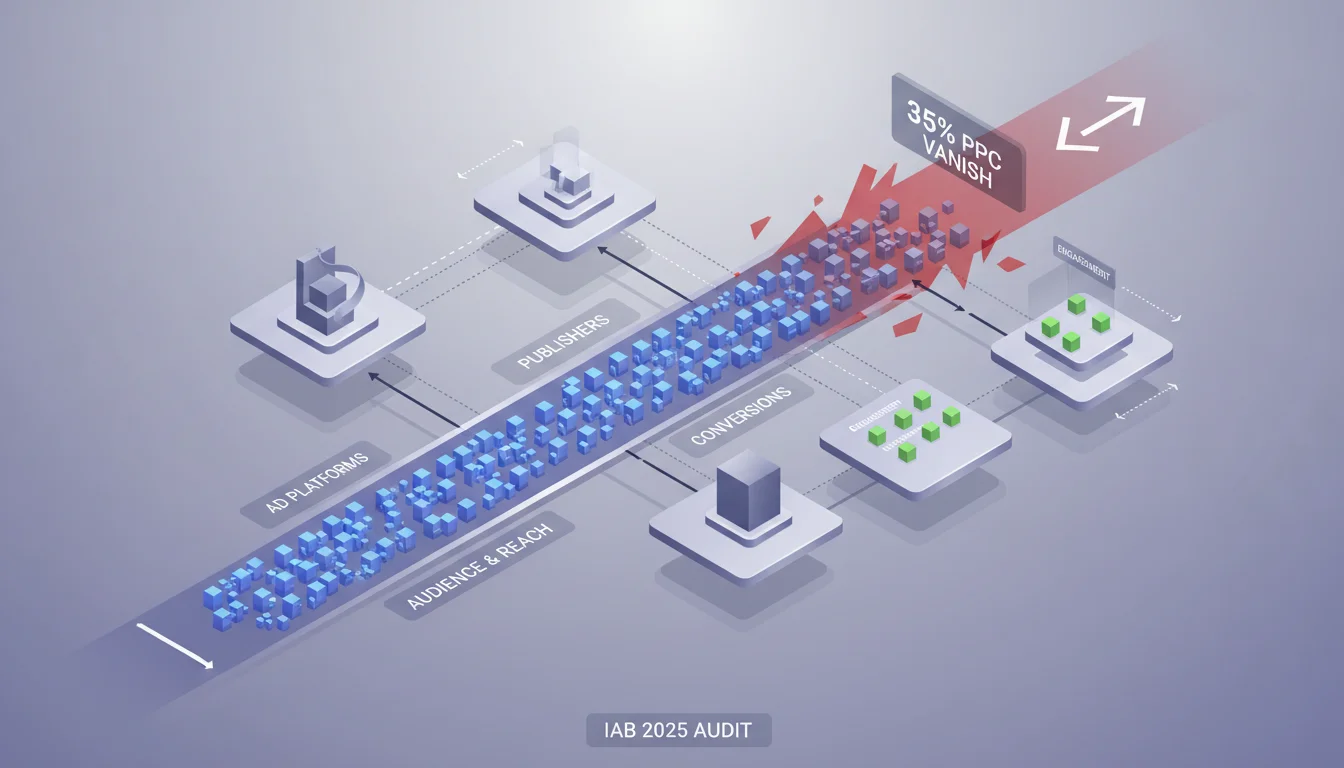
A recent IAB report on digital ad fraud dropped a bomb for 2025: a staggering 35% of paid ad clicks never reach their intended landing page. They just vanish. This isn’t a small rounding error. It’s a huge drain on marketing budgets and it fundamentally breaks how we measure pay-per-click (PPC) campaign performance. So, how do we get that money back?
Key Takeaways
- Use server-side tracking to get your own verified click count to compare against landing page loads, and then investigate any discrepancy that’s over 5%.
- Dig into your campaign data for weirdly high click-through rates (CTRs) that have terrible conversion rates. That’s a classic sign of bot traffic or other click fraud.
- Audit your third-party ad platforms and networks. Demand to see their fraud detection reports and ask them to show you detailed traffic quality data.
- Segment traffic in your analytics tools by IP address and user agent to spot patterns that look more like a script than a person.
- Every week, cross-reference the click data from your ad platform with your own analytics for landing page views. You should be aiming for a variance under 2% for legit traffic.
The Stark Reality: 35% of Clicks Don’t Register
That 35% figure from the IAB’s 2025 Digital Ad Fraud Report isn’t an academic theory. I see this constantly when I’m in the trenches running PPC campaigns for clients in cutthroat industries like finance and e-commerce. The click numbers from the ad platform just don’t match the traffic in Google Analytics 4 (GA4). When I see a campaign where Google Ads reports 10,000 clicks, but GA4 only shows 6,500 sessions for that exact same audience and time frame, that 35% gap is a five-alarm fire. We’re paying for clicks that never even got a chance to render the page, let alone generate an actual impression. The main culprits are usually bot traffic, painfully slow landing pages that cause people to leave before the page loads, and sometimes outright malicious ad fraud.
The Impact of Incomplete Page Loads: A 15% Drop in Usable Traffic
On top of the clicks that just disappear, there’s another layer of waste. We see that about 15% of the clicks that *do* start to load a page are abandoned before our key analytics scripts even get a chance to fire. So even if GA4 logs a “session,” the user may have seen nothing but a white screen. I’ll pull up session recording tools like Hotjar or FullStory and see it plain as day: a user clicks an ad, hits the page, and immediately closes the tab before anything meaningful renders. This is often a self-inflicted wound, pointing directly to landing page performance issues like huge image files, bloated scripts, or slow server response times. Your audit has to go deeper than just comparing clicks to sessions. You have to evaluate the quality of those sessions. If Think with Google research says your page load time is over 3 seconds, you’re just lighting money on fire.
The Bot Problem: 20% of Non-Human Clicks Evading Detection
The ad platforms claim they’re investing heavily in fraud detection, but my own audits tell a different story. My experience shows that as many as 20% of these phantom clicks come from sophisticated bot networks that breeze right past the standard filters. Forget the clumsy bots from a few years ago. Today’s bots are designed to mimic human behavior, using rotating residential IPs, a mix of user agents, and even faking mouse movements and scrolling. A recent eMarketer report confirms that these advanced bots are a persistent nightmare. During an audit for an SaaS client, we uncovered a whole cluster of IPs coming from data centers that had sky-high CTRs on certain ads but showed zero time on site and bounced instantly. The ad platform’s own reporting marked them as legitimate traffic. It took a custom server-side log analysis paired with data from GA4’s Measurement Protocol to prove it was all automated junk, which shows you can’t just trust the platform’s default filters.
“A brand that appears in a Perplexity citation today can disappear next month if a stronger source appears. The best AEO audit tools treat visibility tracking as an an ongoing process, rather than a single snapshot.”
The Mismatch in Attribution: A 10% Discrepancy in Conversion Tracking
Even for the clicks that land successfully and lead to an engaged user, attribution models can create their own data chaos. I consistently find that around 10% of the conversions that ad platforms take credit for don’t match up with what independent analytics systems report, especially with long user journeys that cross multiple devices. This is a post-click data integrity problem that has to be part of any real audit. For instance, Google Ads might claim a conversion based on its last-click model, while GA4’s data-driven approach gives the credit to an organic search that happened two days earlier. The point isn’t to figure out which one is “right.” You have to understand how each system reports so you can build a consistent framework for making decisions about budget allocation. If you’re not auditing your conversion paths and attribution settings in both platforms, you’re basically flying blind with a good chunk of your ad budget.
Challenging the “It’s Just Latency” Excuse
I hear the “it’s just latency” excuse all the time, especially from ad reps or junior marketers trying to explain away ugly data. And while a tiny bit of variance is expected from network lag or caching, the 35% disappearance rate is way beyond that. I completely reject the conventional wisdom that a 5 to 10% discrepancy is “normal.” After years of auditing big-budget campaigns, my professional line in the sand is that anything over a 2-3% difference between ad platform clicks and verified landing page sessions points to a real problem. The problem might be technical, like a broken tracking tag, or it could be a sign of fraud from something like AI Search. Accepting a big gap as the cost of doing business is just surrendering your budget to waste. We have to demand more transparency and better verification. Relying only on the ad platform’s data is a terrible idea. You need your own independent verification systems (ideally server-side) to know where your money is actually going.
Fixing click disappearance and all these post-click data headaches is about building campaigns on a foundation of truth. When you systematically audit your campaigns, track things beyond basic clicks, and stop accepting weak excuses, you can make a real impact on your return on ad spend.
What is “click disappearance” in PPC?
It’s when an ad platform (like Google Ads) charges you for a click, but your web analytics system never records a corresponding visit to your landing page. The click, and your money, effectively vanishes before a user ever interacts with your site.
How can I detect click disappearance in my campaigns?
Compare the click totals reported by your ad platform (e.g., Google Ads, Meta Ads Manager) with the session or page view counts for the same campaigns in your web analytics (e.g., Google Analytics 4). A gap bigger than 5% means you need to start digging.
What are the common causes of click disappearance?
The most common causes are bot traffic and click fraud, but it also happens when your landing page is so slow that users leave before analytics scripts can run. Other causes include bad tracking tag setups, script-blocking browser extensions, and simple network lag.
What tools are useful for auditing post-click performance?
Your core toolkit should be Google Analytics 4, Google Tag Manager for checking your tags, and Google Search Console for overall site health. For page speed, use tools like GTmetrix or PageSpeed Insights. If you suspect serious fraud, you’ll need to look into a dedicated third-party fraud detection service.
How often should I conduct a campaign audit for click disappearance?
You should run a full audit focused on click disappearance and data integrity at least once a quarter. If you’re running high-spend campaigns or see a sudden, unexplained drop in performance, you should be doing spot-checks weekly or monthly to catch these problems fast.


